


Configuring a flowchart in Benchling used to be uncomfortable. We heard it directly from customers:
- "It feels like you're doing a lot of the same things twice."
- "I didn't create my flowchart in Benchling first. That's impossible. I create it outside of Benchling and then I'll recreate it in Benchling."
That's not the experience we want users configuring Workflows to experience. So we’ve greatly improved how flowchart workflows are configured.
Earlier this year, we ran an early access program with customers to test the new experience. We also gathered feedback from Benchling implementation managers who configure flowcharts on behalf of customers every day. The feedback we received helped shape the improved configuration experience.
What changed
The old editor forced you to do a significant amount of pre work before you ever saw a flowchart. You defined allowed transitions, set up data mappings, and built task schemas, all before the flowchart existed. Only then could you assemble everything together, often feeling like you were repeating work you'd already done.
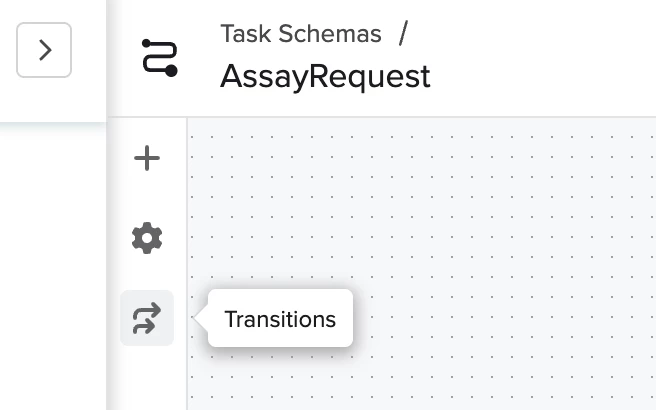
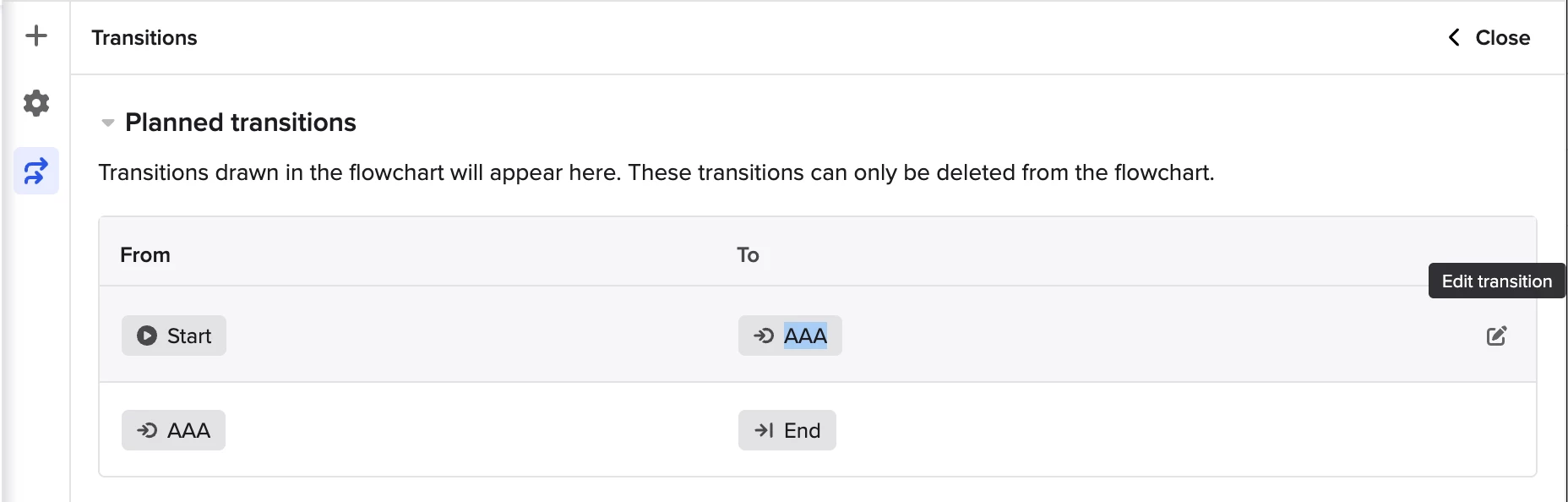
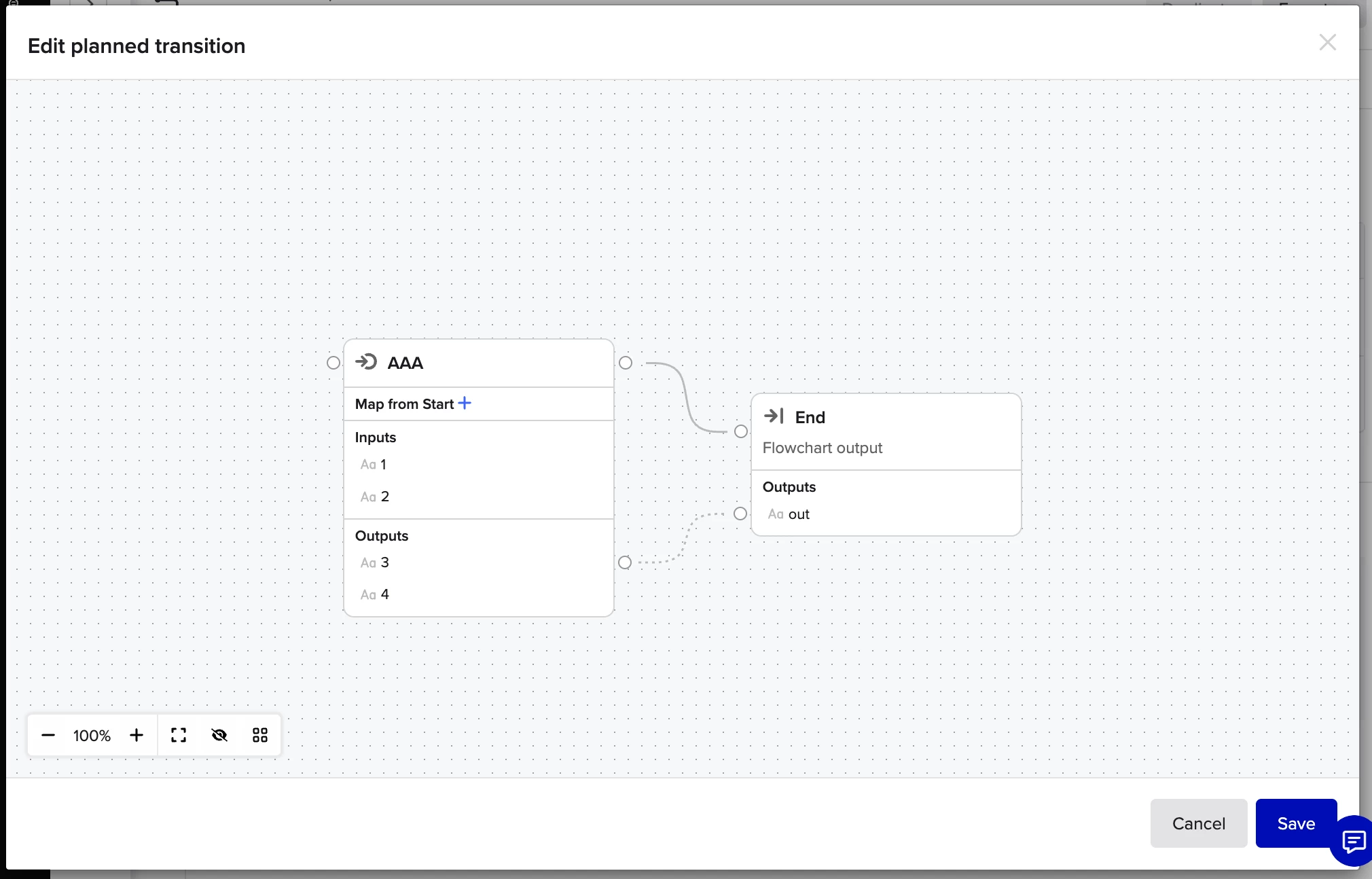
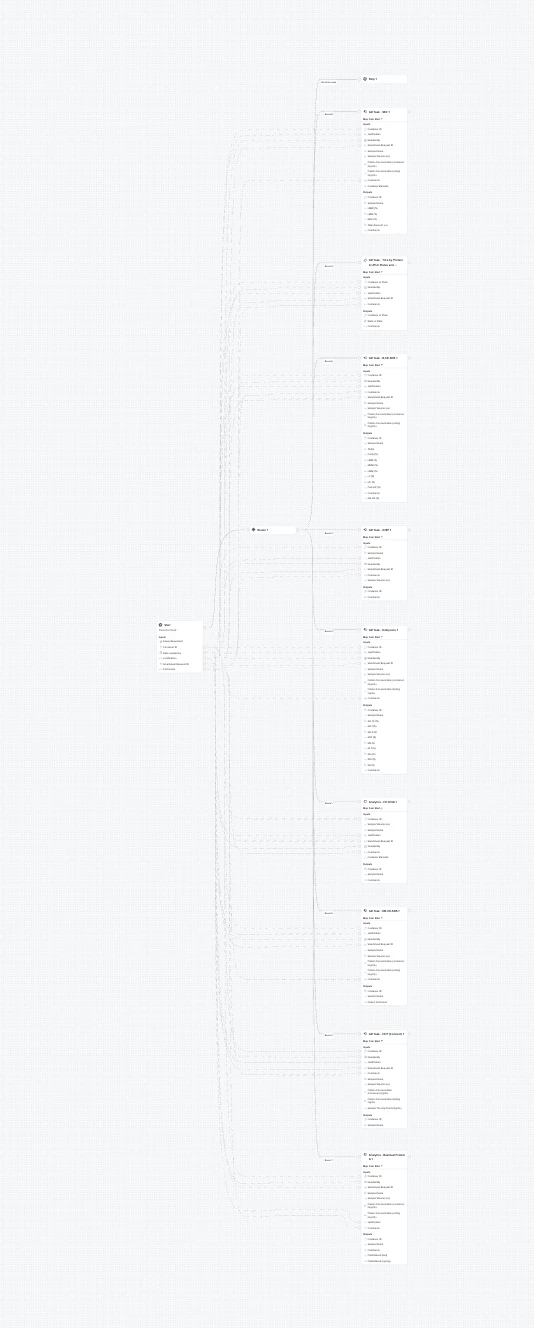
The new editor flips that. You start by drawing your flowchart. Transitions and data mappings are defined as you build, task schemas can be created directly within the configuration experience, and additional transitions are clearly labeled so there's no ambiguity about what's in your flowchart and what isn't.
When we compared creating flowcharts across the old and improved editors, building the same flowchart was 35% faster in the new one. For anyone who found the old editor frustrating, the difference feels even bigger.
How to get started
Improved flowchart configuration is now the default experience for creating and modifying flowcharts. You don't need to do anything to enable it.
If you want a walkthrough of what's new, check out our help center article.
We can't wait for you to use it and share your feedback in the replies below.